
Bracelet & Watch How-To-Wear • UGC video ad template
How to Put It On — Founder Demo
A founder-style demo showing the right way to put the piece on — open it, lay it on, then close it; never force it over your hand.
Cost varies with Resolution — you’ll see the credit cost before you generate.
Storyboard · what this template films
3 beats · ~14s · renders in ~4m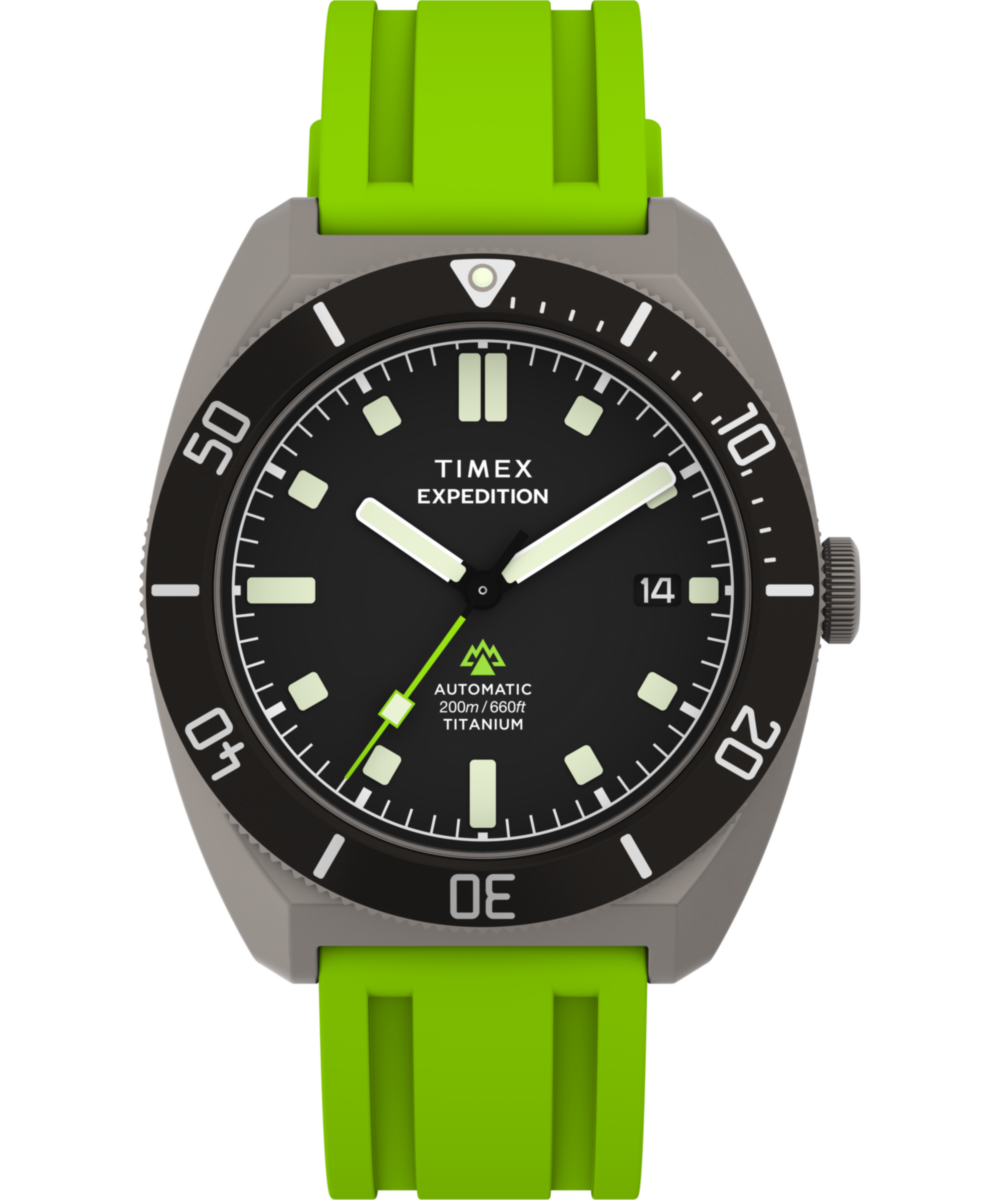 HOOKThe person holds the piece, wrist ready.
- DEVELOPMENTMacro: open the clasp, lay it on the wrist, then close it by hand.
- PAYOFFThe piece sitting right on the wrist; a sure verdict.
First video free · see the credit cost before you run
Is this for me?
- Best for
- Watches and bracelets with a clasp or buckle—the clear demo removes buyer anxiety about correct fit and wear.
- Less ideal for
- Templates generate a person wearing your piece on camera. Won't work if you need to direct real actors, tell a long story, or add text overlay.
Your brief
Make it yours
Render in minutes, not days
Go from a template to a finished video while your coffee's still hot.
No prompt engineering needed
Pick a template, drop in your assets, and generate. We handle the hard part.
Studio-quality, every time
Production-grade output from the best AI video + image models, tuned for you.
A template for every use case
Hundreds of ready-made workflows across industries and formats.
Keep exploring
Related templates
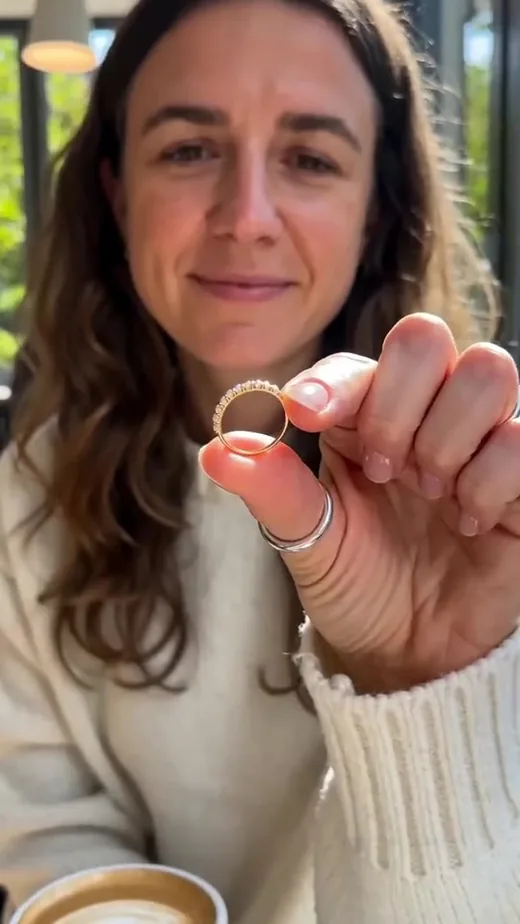
Everyday Stack — The Piece I Add to Everything
Adding THIS piece to a daily stack: how it layers with what they already wear, shown on the hand or wrist.
Closer, Then Closer Still — One Piece, One Frame
One piece stays in frame while the camera steps closer three times, ending on the material rather than on any words.
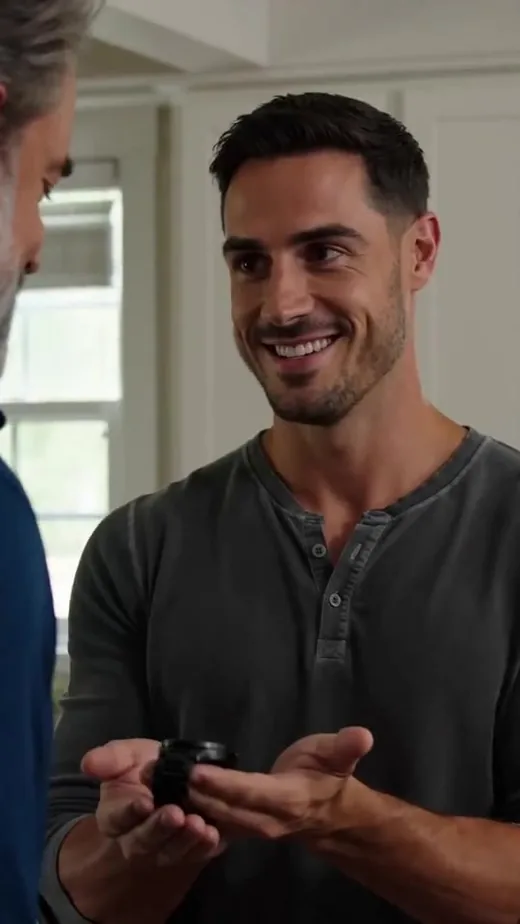
Gift Reveal — One Friend Tells Another
One person clasps the piece onto a friend and tells them why it's the one — a warm, two-person reveal.
Clasp-On Close — On the Skin, In the Light
An intimate, macro clasp-on: hands fasten the piece at the neck or wrist, it settles on the skin and catches light, then the everyday verdict.
About this template
A clear, helpful demo: the person shows the correct way to put the piece on for its real type — open the clasp or buckle first, lay it on the wrist, then close it by hand — and explicitly that you never force a buckled piece over your hand. The proof is the correct, real motion. The piece's exact look is preserved from your photos. The punch is spoken, never printed.
Good to know
Frequently asked
Is this suited to a clasp or buckle piece?
Yes. The demo shows opening, laying on, and closing by hand, so watches and bracelets with a clasp or buckle are the right fit.
Why show how to put it on rather than just wearing it?
Showing the correct motion removes buyer anxiety about fit and handling, which is often the hesitation that stalls a purchase.
Does the demo invent any product specs?
No. It demonstrates the real way to wear your piece and asserts only the identity locked from your image, not invented specs.
What's the format and length?
A vertical 9:16 reel, UGC style, about 14 seconds — sized for short-form feeds.
Do I need to film the demo myself?
No. The person and the putting-on motion are generated. You only upload a clean photo of the piece.
More about this template
The demo that removes buyer hesitation
This how-to-wear video ad for bracelets and watches shows the correct way to put your piece on — and that confidence converts. By demonstrating the real motion, it answers the quiet "will this be a hassle to wear?" question before a buyer asks it.
What the reel shows
The person holds your piece with the wrist ready, then walks through it in close-up: open the clasp or buckle first, lay the piece onto the wrist, and close it by hand — making clear you never force a buckled piece over your hand. The reel ends with the piece sitting right on the wrist and a confident spoken line, never printed on screen.
Who it's for
Best for watches and bracelets with a clasp or buckle, where buyers worry about correct fit and how a piece goes on. A clean hero image keeps the piece consistent through the demo.
How it works
Upload your product photo. The template locks the piece from your image, generates the person and the correct putting-on motion, and outputs a vertical ~14s reel, UGC style. Sign in or create an account to generate.